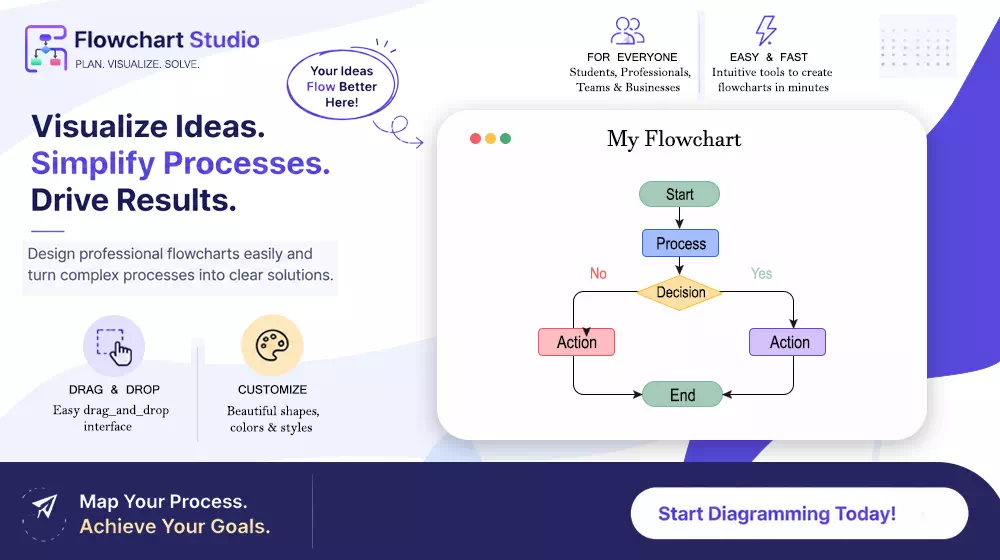
 My AI Flowchart
AI Diagram Tool
AI Flowchart Maker: Generate Flowcharts from Text 10X Faster
Use our AI flowchart maker to turn ideas, process notes, and prompts into structured diagrams with a browser-native editor, Mermaid import/export, and professional styling controls.
Text to flowchart
Diagram with explanation
Theme customization
10X faster drafting
Unlimited premium generations
Browser based workspace
Live Preview
Create, refine, and export from one visual studio
Generate from prompt, then fine-tune in editor before export.


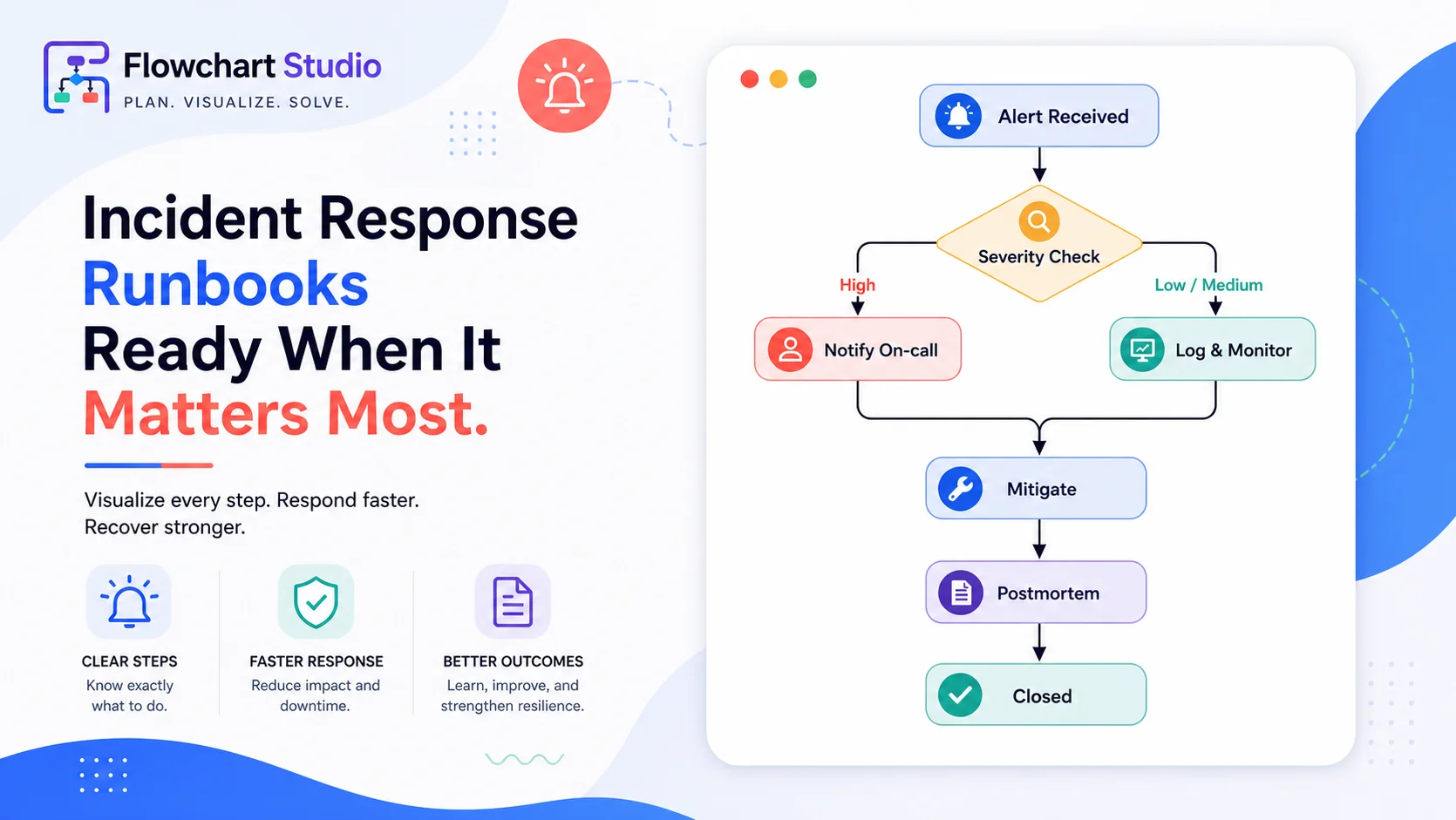
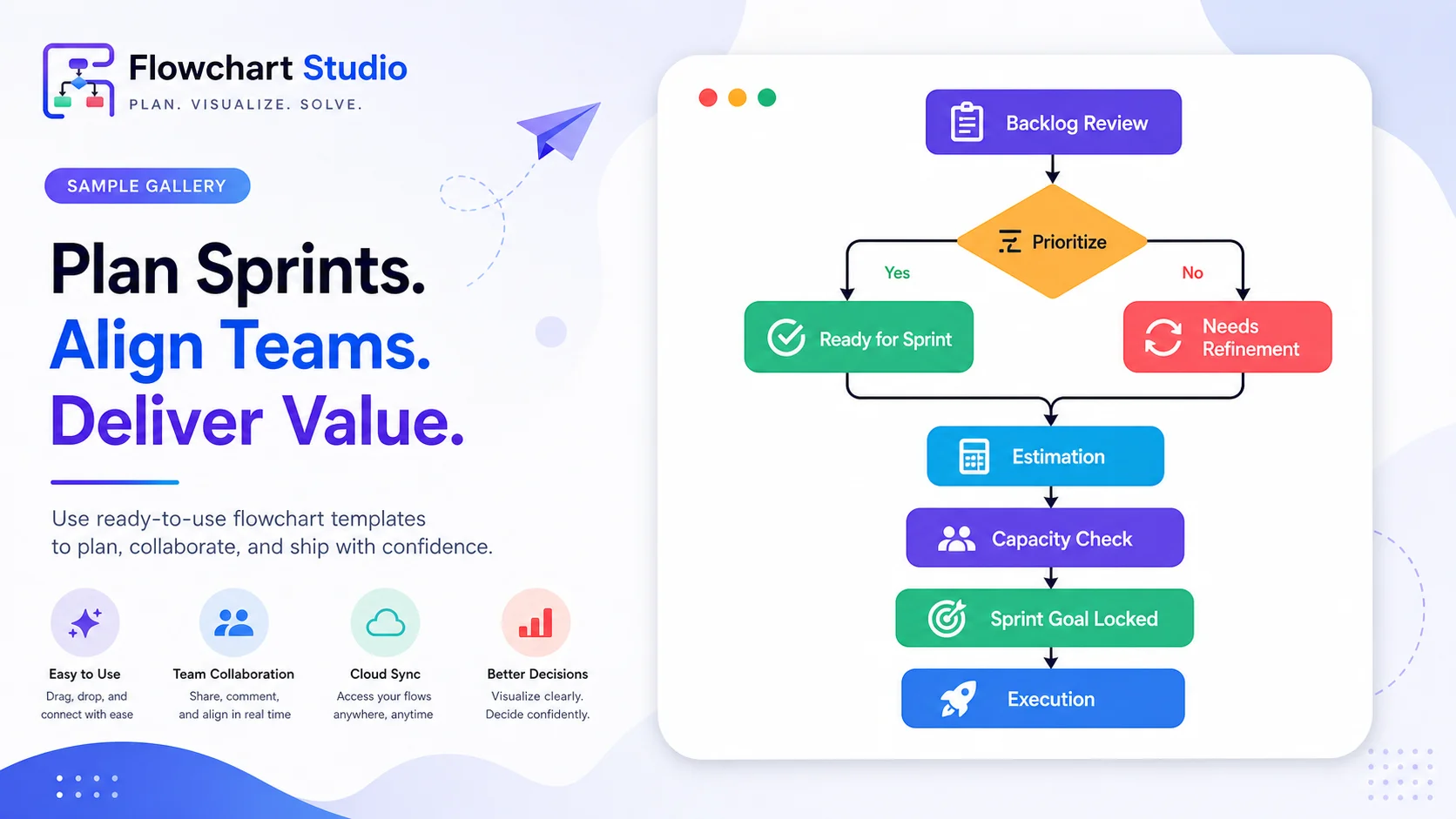
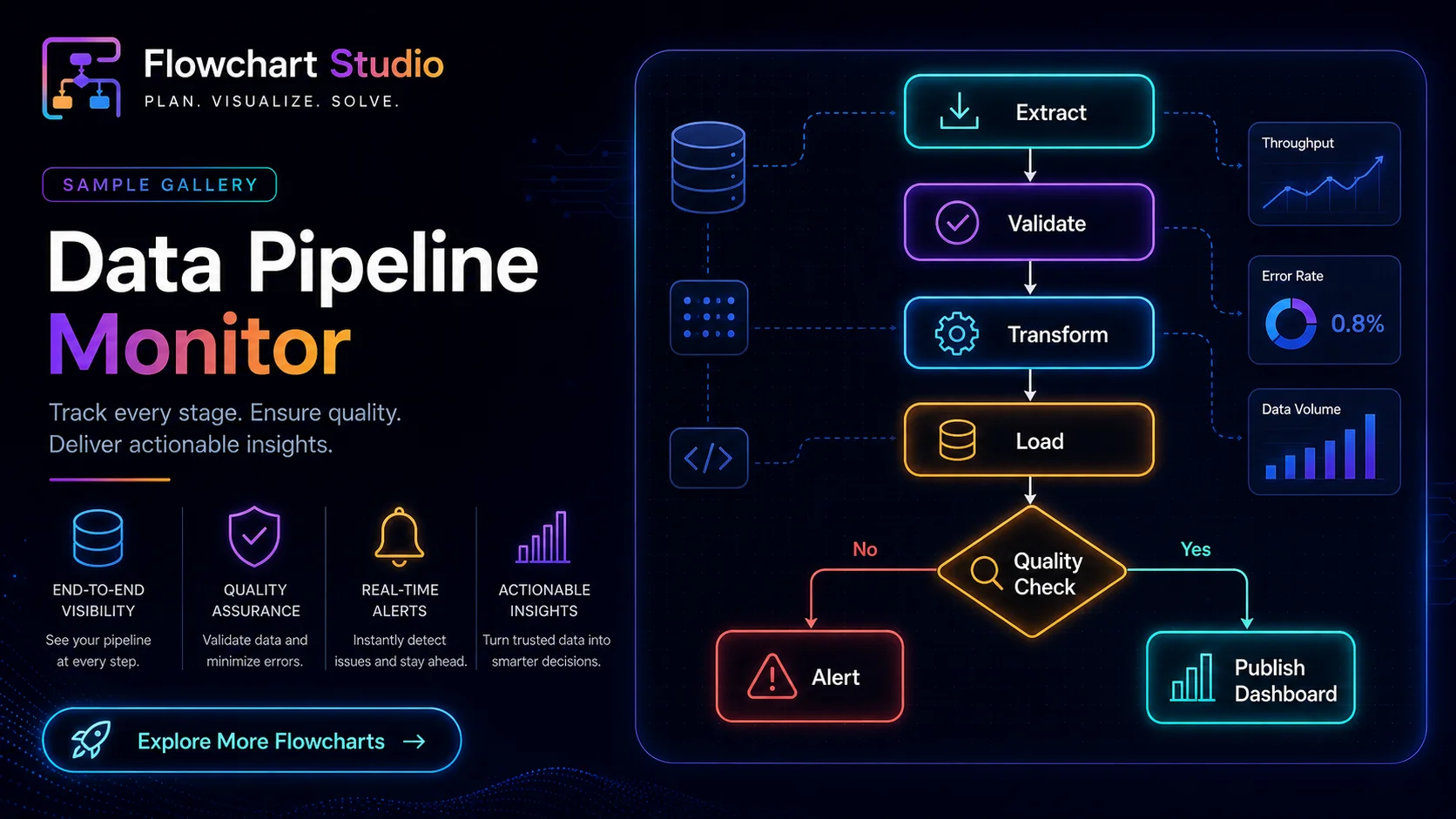
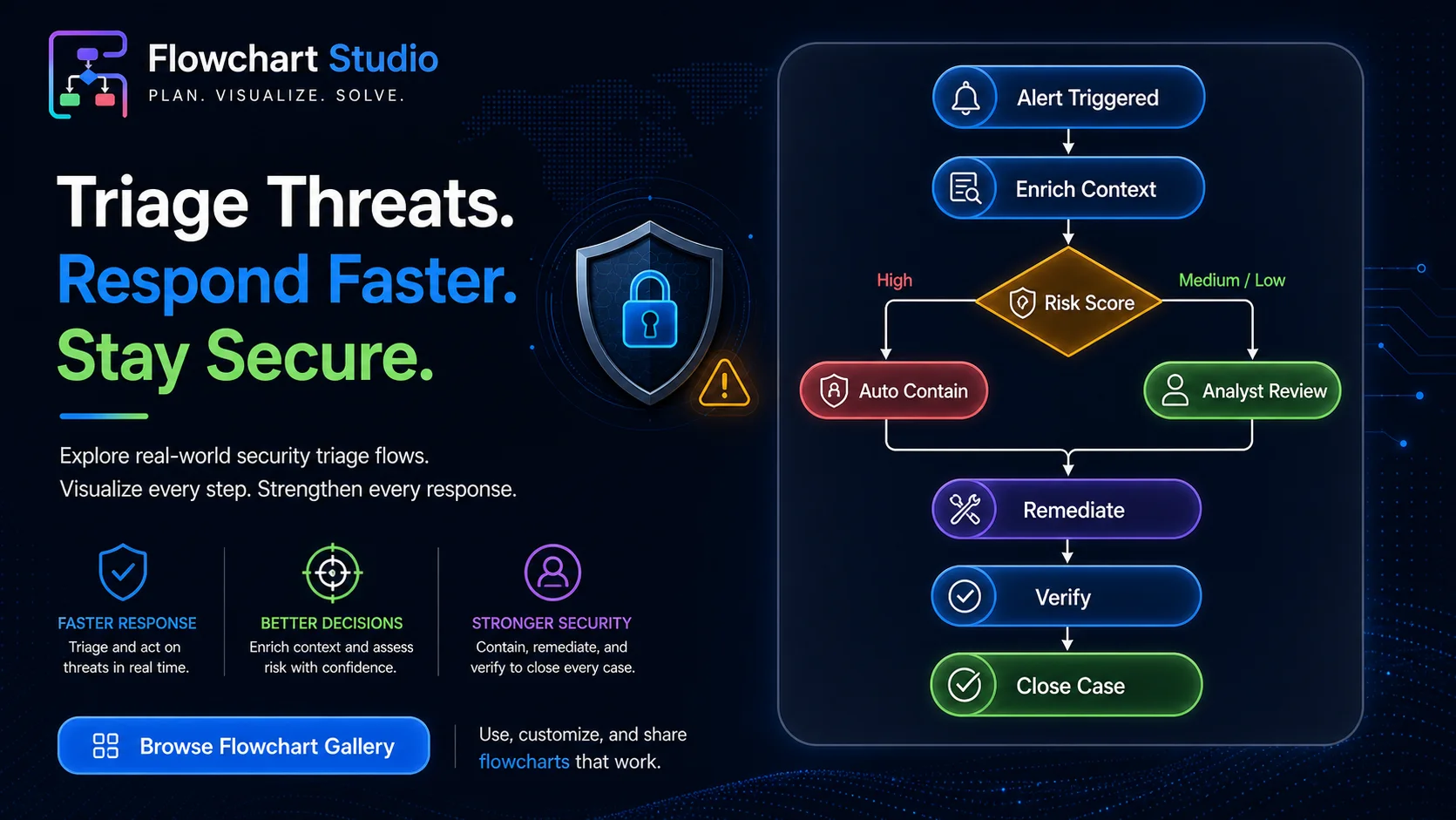
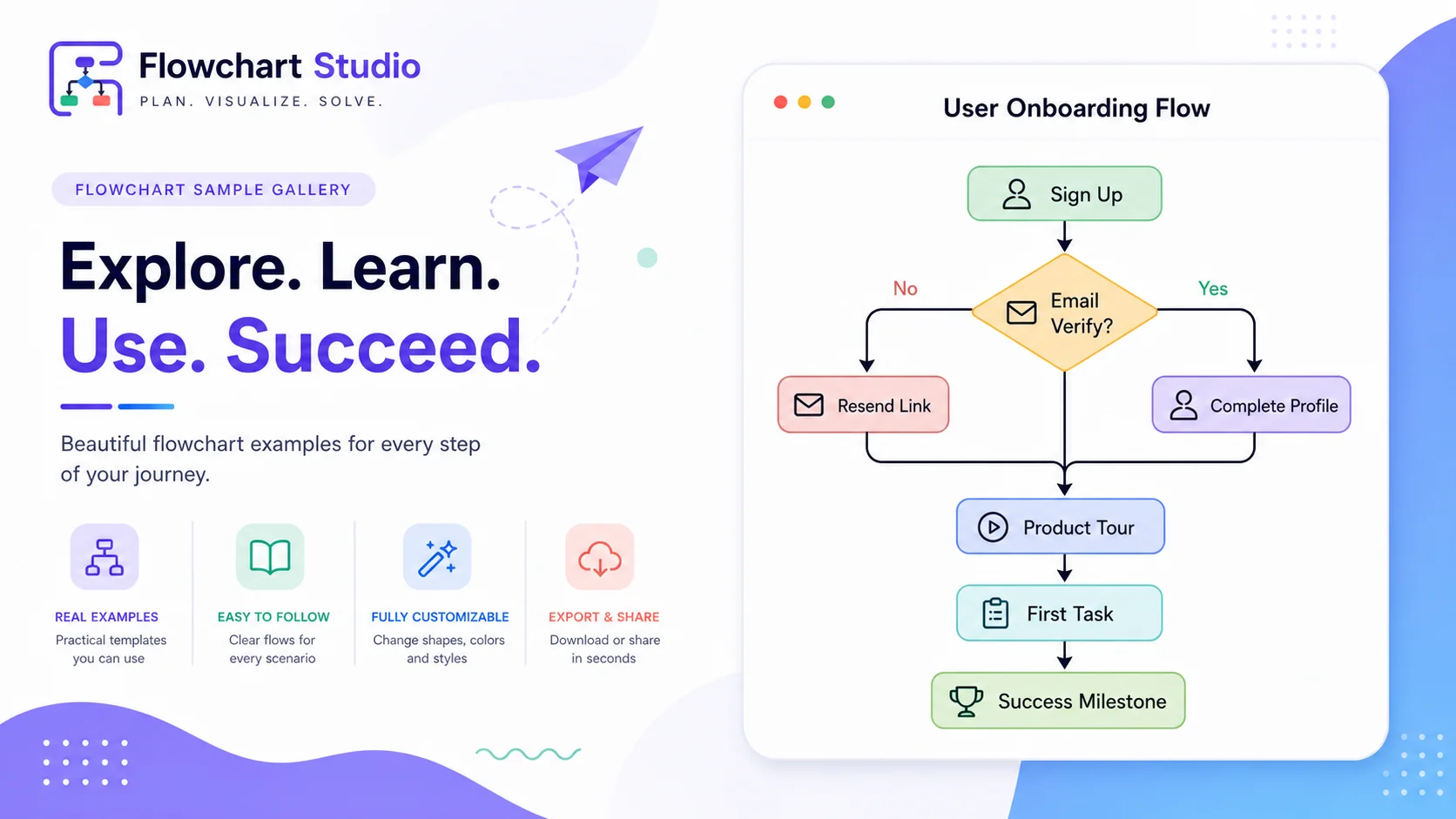

Diagrams from text
Diagrams from PDF notes
Diagrams from image context
Always generate creative and unique diagrams, powered by AI
Generates unique diagrams
Create structured flows from raw ideas while keeping your workflow editable and clean.
Diagrams with explanation
Get visual output plus short explanations that help teams understand decision logic faster.
Themes and styling controls
Switch appearance, node styles, and canvas feel instantly for presentation-ready results.
Built for teams and solo builders
Make your process visible in real time with precision controls, customizable themes, rulers, and export-ready Mermaid code.
Fast canvas controls
Snap-to-grid, rulers, zooming, undo/redo, and shape presets from day one.
Designer-friendly styling
Pick canvas style, tweak color, border, and line textures while keeping nodes perfectly editable.
Mermaid bridge
Import existing Mermaid diagrams or export your work to use in docs and technical presentations.
Capabilities
Everything needed for modern process design
We packed power features and polished workflows so your team can stay focused on logic, collaboration, and speed.
Smart layout controls
Snap-to-grid, alignment tools, and zooming help you keep diagrams structured while ideas stay flexible.
Advanced styling
Control borders, fills, labels, arrowheads, and canvas rhythm from one visual studio panel.
Reusable workflows
Use templates as starting points and duplicate components to repeat common patterns in seconds.
Safe editing
Undo/redo history and state tracking let teams iterate fast without breaking trusted designs.
Mermaid bridge
Import existing Mermaid charts and export back to documentation-ready code instantly.
Browser-native speed
Run directly in-browser with no plugins and fast startup for continuous workflow continuity.
How it works
Four simple steps to turn a rough idea into a production-ready flowchart.
- Start Open a workspace and choose your preferred canvas theme.
- Design Drop nodes, connectors, and annotations using your own naming style.
- Refine Fine-tune layout with snapping, formatting, and quick alignment actions.
- Share Export Mermaid-ready code for documentation, tickets, and sprint plans.
Ready-to-use visuals
Template gallery
Use these concept-ready examples as your starting points and remix instantly.
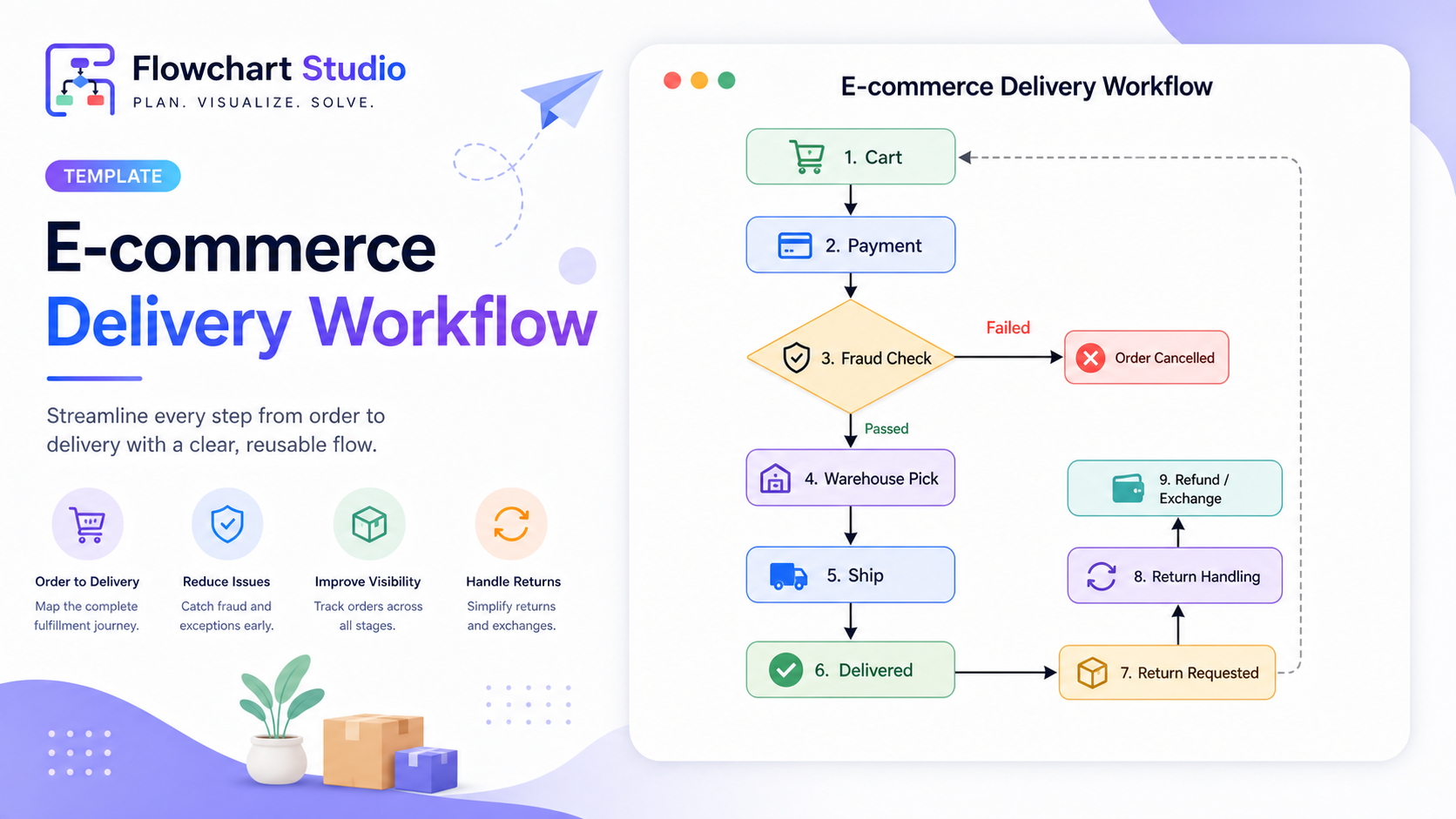
E-commerce Delivery Flow
From checkout to shipment and delivery monitoring.
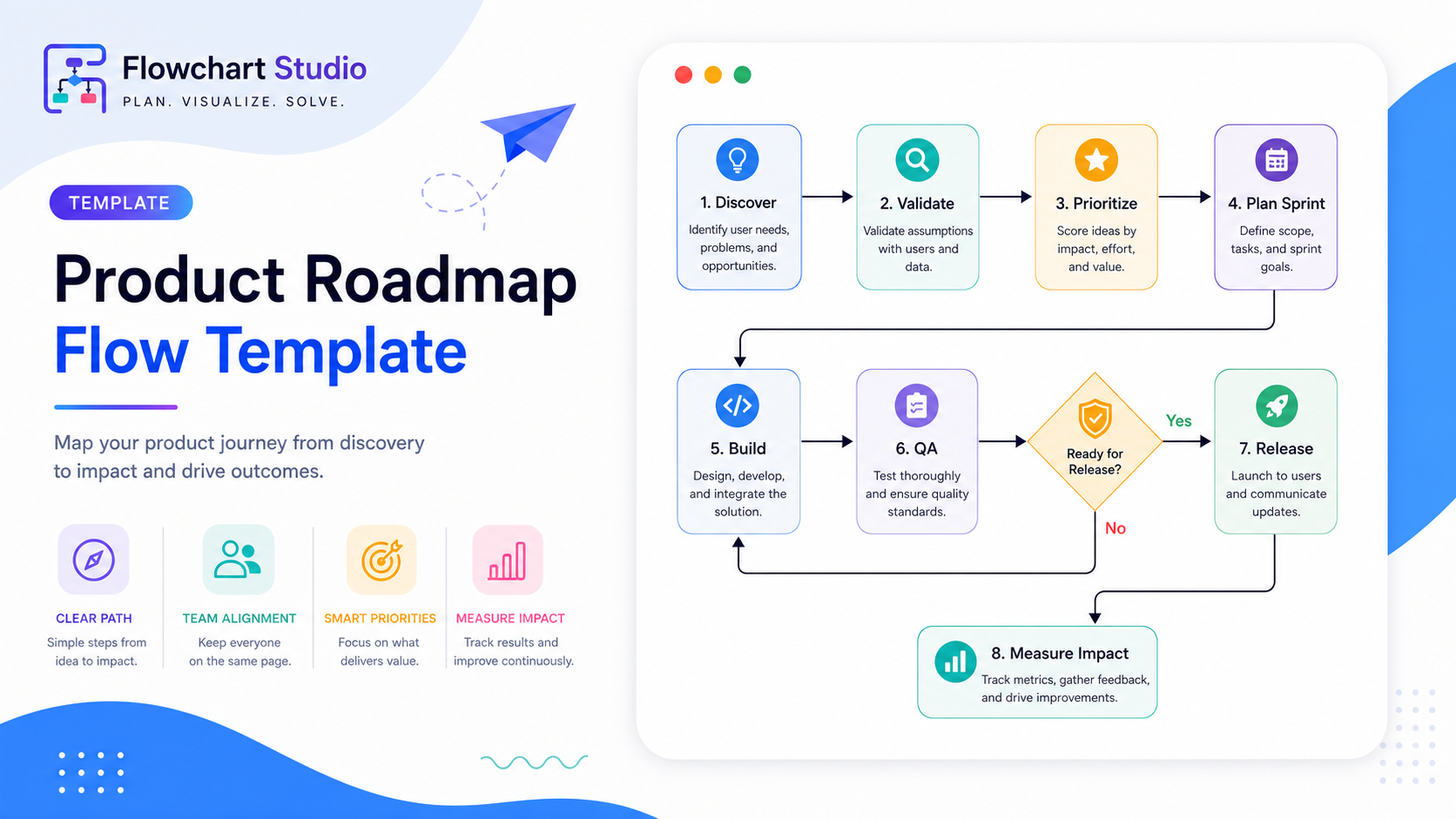
Product Roadmap Flow
Coordinate discovery, prioritization, and delivery phases.
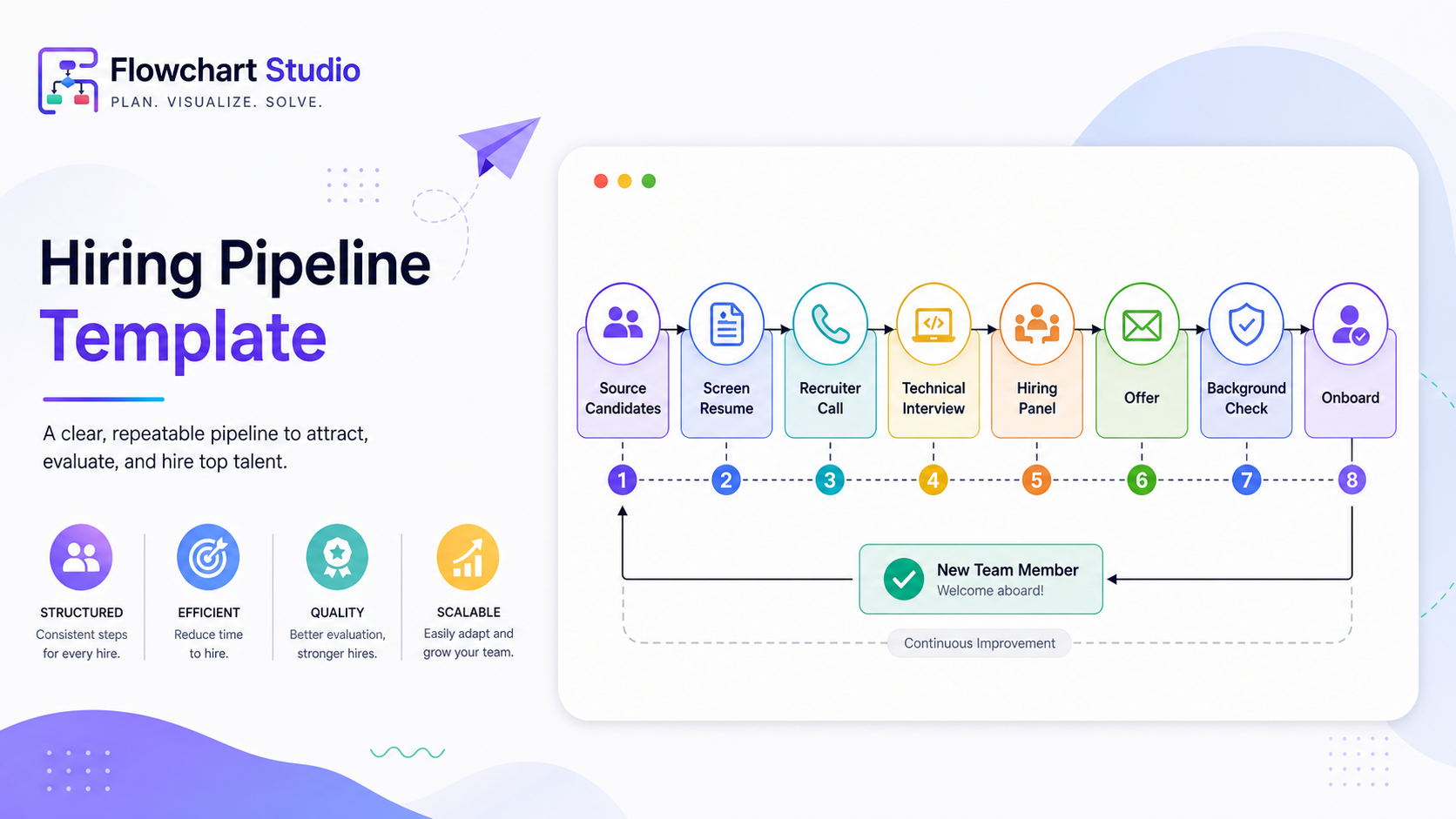
Hiring Pipeline
Stage-based candidate review with clear decision gates.

Support Escalation
Escalation trees for faster incident triage.
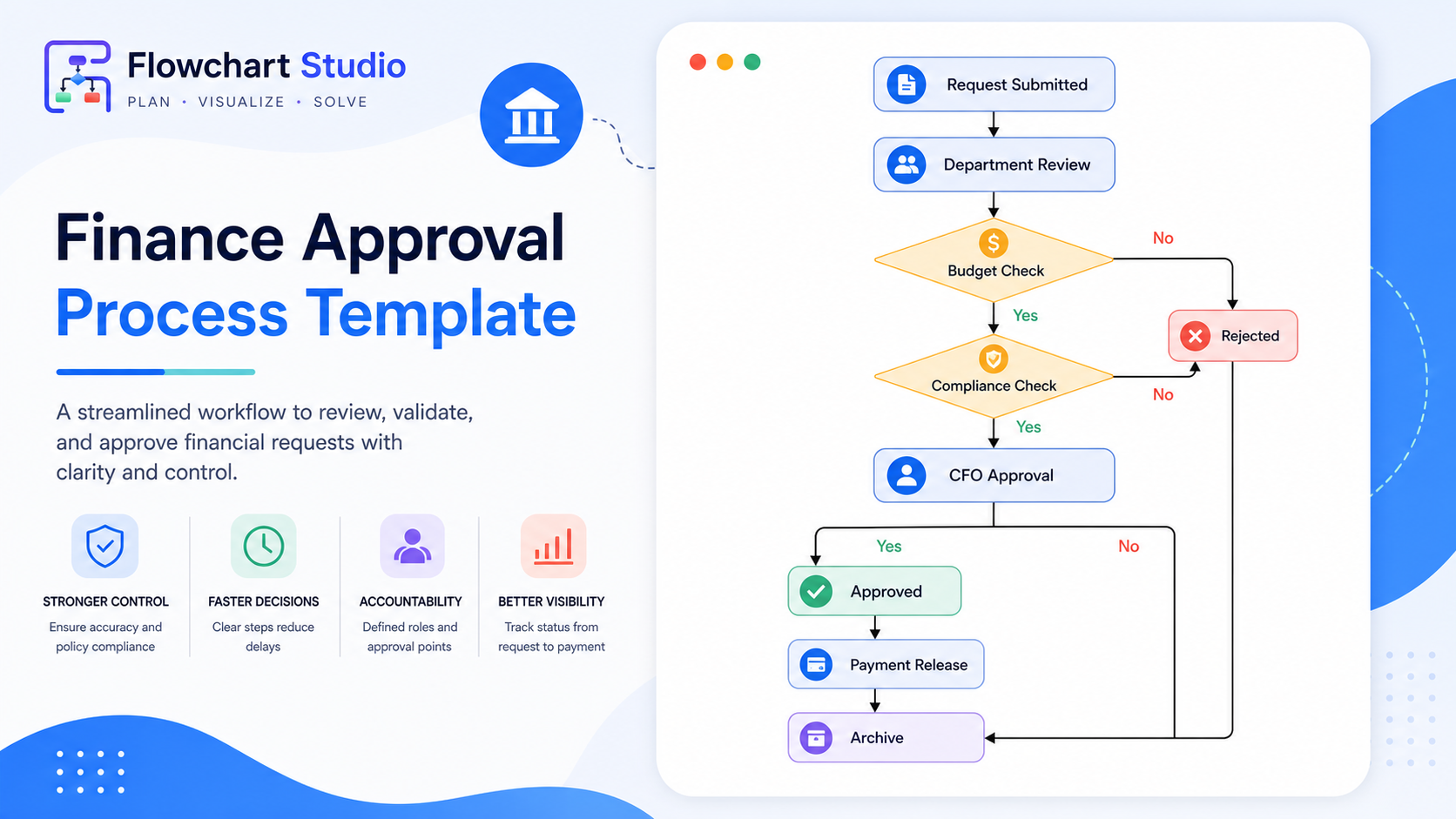
Finance Approval Flow
Multi-level approvals with audit-friendly labels.
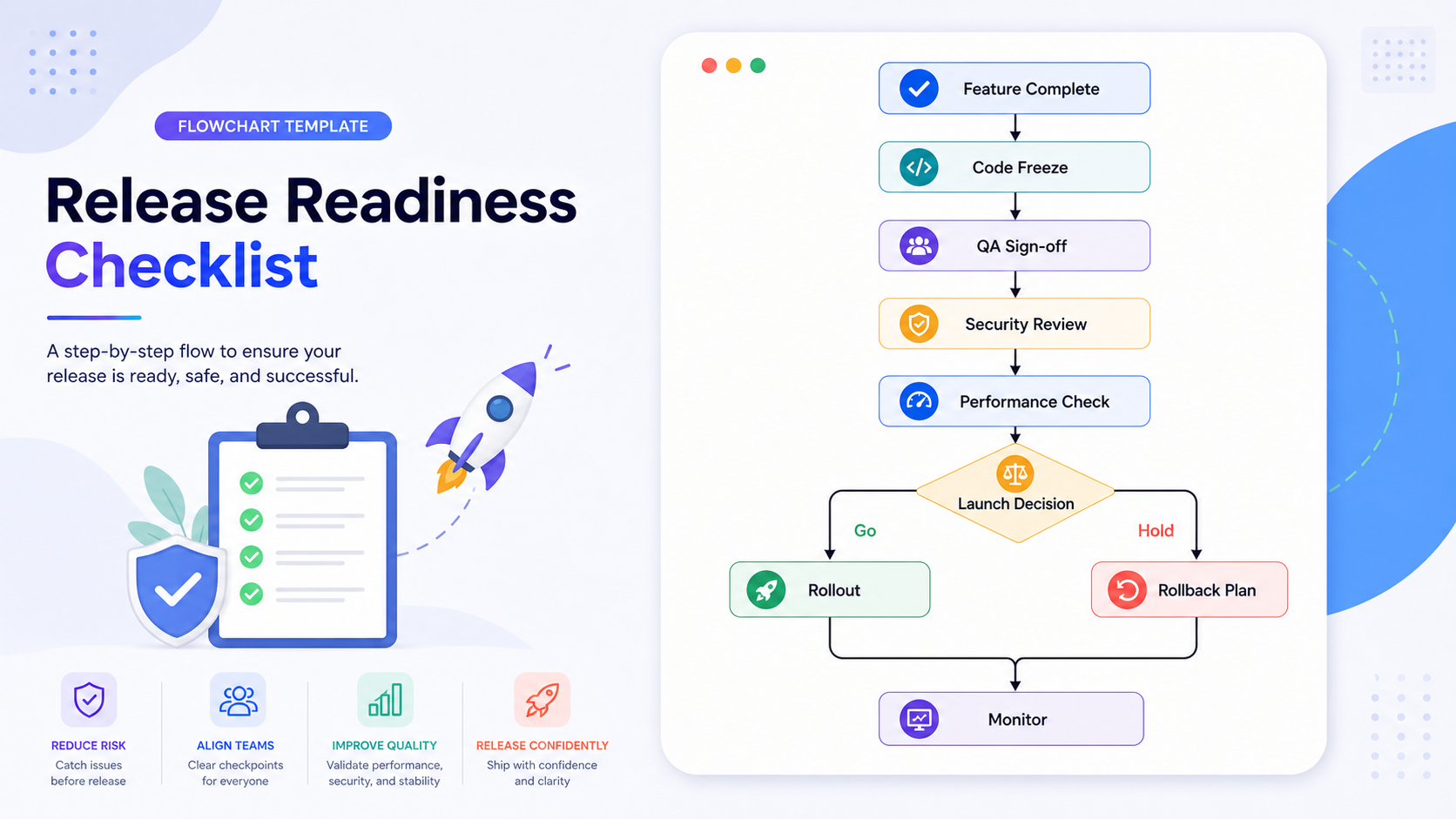
Release Readiness Checklist
Release gates, owners, and rollback points in one view.
Who It Is For
Designed for teams that map complex workflows
Whether you are documenting internal operations or preparing customer-facing diagrams, My AI Flowchart keeps your process communication clear and consistent.
Engineering teams
Map architecture, release workflows, and incident runbooks in one visual timeline.
Product managers
Explain user journeys, feature dependencies, and delivery plans with stakeholder-friendly diagrams.
Support and operations
Standardize escalation trees and reduce handling delays with reusable process templates.
Business teams
Build approval ladders and reporting flows for finance, procurement, and compliance operations.
Educators and trainers
Turn abstract logic into easy-to-teach visual lessons for onboarding and learning sessions.
Founders and solo builders
Move quickly from idea to structured execution map without setting up heavy tooling.
Learning Hub
Detailed guides to help you design better flowcharts
Explore practical how-to resources built for operations, product, engineering, and support teams.
Flowchart examples by use case
Review real process maps for onboarding, incidents, approvals, hiring, and billing operations.
Flowchart symbols guide
Understand standard symbols and when to use each shape for cleaner, faster team reviews.
Step-by-step tutorial
Follow a practical method from process scoping to final diagram review and publishing.
Editor shortcuts and controls
Learn icon positions, fills, borders, connectors, AI usage, export formats, and menu actions.
Resources
Everything needed before you purchase
We publish legal, billing, and support information clearly so buyers can review policies before subscribing.
Pricing clarity
Monthly and yearly pricing, included features, and billing cycle details are listed on the pricing page.
Refund terms
See eligibility, exclusions, and response timelines in our published refund policy.
Cancellation flow
Cancellation steps, effective date behavior, and support response targets are documented.
Support availability
Buyer support hours, contact channels, and escalation details are listed on the support page.
Privacy controls
Data collection categories, retention principles, and request rights are described in our privacy policy.
Business identity
Legal entity details, GSTIN, D-U-N-S number, and company links are published for trust verification.
Flowchart examples library
Browse practical process patterns on the flowchart examples page.
Flowchart symbol reference
Learn standard process notation in our flowchart symbols guide.
Beginner tutorial
Use our step-by-step flowchart tutorial to start quickly.
Editor shortcuts and menu guide
Master keyboard shortcuts and settings via the editor controls guide.
FAQ
Questions about our AI flowchart tool? We have answers.
What is My AI Flowchart used for?
It helps you convert text ideas into editable flowcharts and export them for docs, tickets, and presentations.
Can I generate diagrams from notes, text, or prompts?
Yes. You can start from prompts and then refine the generated structure in the visual editor.
How accurate are generated diagrams?
Generated outputs are a fast starting point. You can verify, edit, and adjust every node before final export.
How do subscriptions work?
Paid plans renew automatically until canceled. Pricing, cancellation, and refund details are publicly documented.
Can I cancel anytime?
Yes. Cancel before renewal to stop future charges while keeping access until your paid period ends.
Do you provide support if I have billing or technical issues?
Yes. Buyer support is available via support@myaiflowchart.com and +91 9944 59 0607 during listed support hours.
Recent Product Improvements
- Expanded legal and compliance pages for transparent buyer review.
- Published refund and cancellation workflows with clear response targets.
- Improved dark-mode readability across policy and pricing sections.
- Added business verification details and public developer profiles.
- Enhanced homepage trust content for better onboarding and purchase confidence.
Business and subscription transparency
- Company: Codeplay Technologies (My AI Flowchart), Tamil Nadu, India. Company website: https://htmlcodeplay.com.
- Legal business name: CODEPLAY TECHNOLOGIES | GSTIN: 33BVUPM3711L1Z7 | D-U-N-S Number: 955481327.
- Support and billing contact: support@myaiflowchart.com | +91 9944 59 0607.
- Support hours: 9:00 AM to 5:30 PM IST (UTC+05:30), Monday through Friday.
- Recurring subscriptions renew automatically unless canceled before renewal.
- Cancellation requests are handled through our Cancellation Policy.
- Refund requests and eligibility are documented in our Refund Policy.
Build your first professional flow in under 5 minutes.
Open the full editor and start shaping your process map right now.
"My AI Flowchart made mapping processes quicker, cleaner, and easier to explain."
- Product flow teams